Integrity and Scrutiny can check a list of links in a variety of formats.
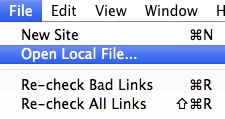
You can type the path of your file into the location bar, select File>Open Local File, or use or simply drag and drop your file into the location bar. (Note that for this version it is important to place the cursor in that field and empty any existing contents before dragging).
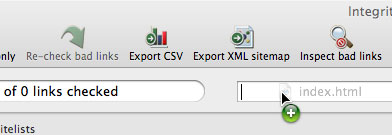
If your list is in html format, for example a bookmarks file exported from your browser, then you can simply press Go
If your file is a text format such as plain text, tab-delimited or comma-separated (.txt, .tdl, .csv), then you will need to check "Plain text mode" before pressing Go.
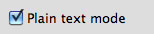
Integrity and Scrutiny will check all links in your file but not follow them. If you're using plain text mode, your file should contain no text other than URLs.